


Use cases
Deprecating feature flags safely
A flag is temporary. Once its feature is fully released or abandoned, retire it: mark it deprecated, remove its callers, then archive it. This page retires checkout after its rollout reaches everyone.
Make the outcome permanent#
When checkout is on for everyone, the new checkout is the only checkout. In the application, delete the old code path and the isEnabled('checkout') check around the new one.
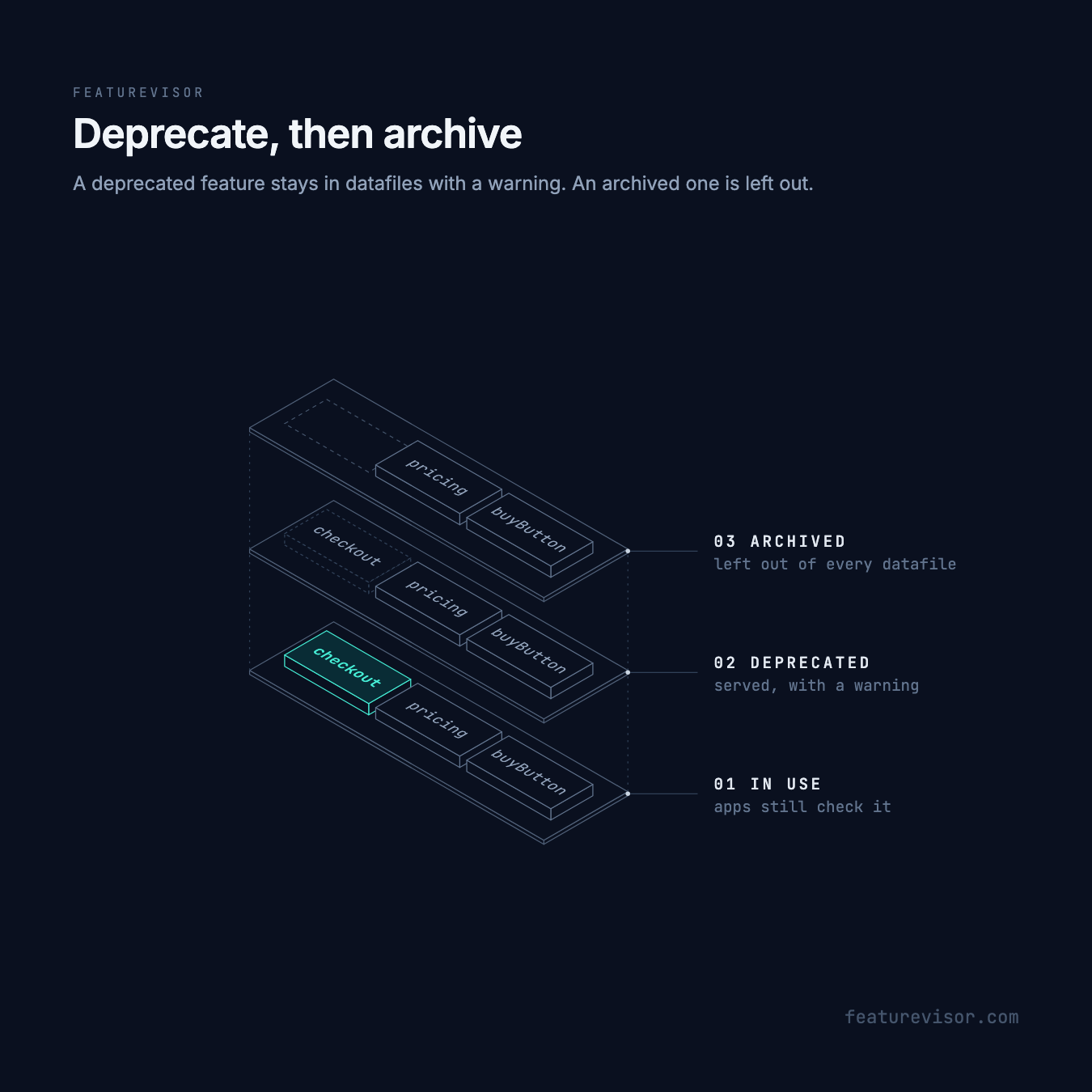
Until every supported version of the application has shipped without that check, the feature has to stay in the datafile. An old mobile app still asks for it, and a missing feature reads as disabled.
Mark it deprecated#
Set deprecated: true on the feature:
# ...deprecated: trueIt stays in datafiles and evaluates as before. Each time an application checks its flag, the SDK reports a deprecated_feature warning. Send diagnostics to your logging, and the warnings show which applications still call it.
A feature variable can be deprecated the same way, in its variablesSchema entry, and global variables have deprecated too.
Find what still depends on it#
Other definitions can depend on the feature as well as application code:
npx featurevisor find-usage --feature=checkoutFeature "checkout" is used in these variables • supportEmailsupportEmail sends users of the new checkout to their own team through an override whose conditions read checkout. Decide what that override should become, such as the default, and change it first. find-usage searches definitions only, so search your application code as well.
Archive it#
Once no application version in use calls it and no definition depends on it, set archived: true. An archived feature is left out of every datafile, and lint stops you if anything still references it. Delete its tests in the same change, since lint rejects specs for archived features.
With code generation, regenerate after archiving, and any call you missed fails to compile.
Applications that refresh by merging keep the old definition in memory. Replace the datafile instead, with f.setDatafile(datafile, true), so the feature is removed.
Keep the archived file. It reserves the key, so a future feature cannot reuse checkout and inherit its bucketing and its history in your analytics. Lint checks an archived feature for its shape only, so later changes to the segments and attributes it used do not affect it.
If an application you still support breaks, put the feature back with a rollback.