


Use cases
Decouple feature releases from application deployments
Deploy new code with its feature switched off, then release it by changing configuration. The deployment and the release become two separate decisions, made by whoever owns each.
How it works#
- The application ships the new code path behind a flag, and keeps the old one.
- Releasing it is a change to a Featurevisor definition, reviewed in a pull request like any other change, as GitOps describes.
- Your pipeline publishes the new datafile, and running applications pick it up on their next refresh. No application is deployed again.
- Rolling back is a change to the definition too, published the same way.
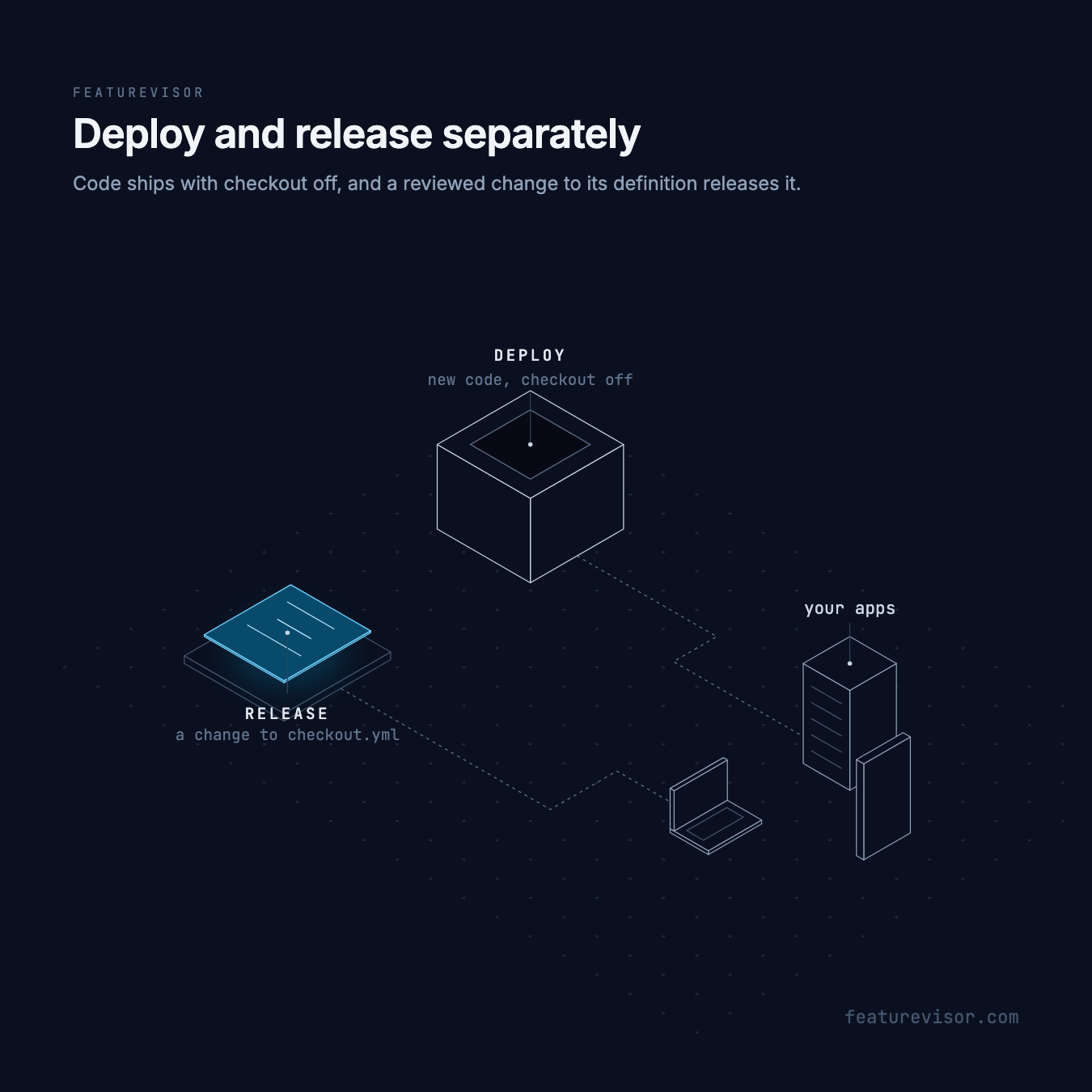
Engineers deploy when the code is ready. Whoever owns the launch, often a product manager, decides when users see it, such as the morning a campaign goes out. A launch at an exact time can be scheduled in advance.
Ship the code with the feature off#
Start from the example with staging and production environments:
npx @featurevisor/cli@latest init --example=with-environmentsTurn the new checkout on for everyone in staging, and off in production:
description: Checkout redesignbucketBy: userIdrules: staging: - key: everyone conditions: "*" percentage: 100 production: - key: everyone conditions: "*" percentage: 0Deploy the application code that reads it:
const context = { userId: user.id,}if (f.isEnabled('checkout', context)) { // the new checkout} else { // the current checkout}The new code is in production, and nobody there sees it yet.
Release it#
When the new checkout is ready, open a pull request that raises the production percentage from 0 to 5. Whoever owns the release can open it, from an editor or with Catalog's Propose change. Once lint and tests pass and it merges, your pipeline publishes the datafile, and 5% of users get the new checkout on their application's next refresh.
Raise the percentage in later pull requests as metrics allow. Progressive delivery covers widening the audience step by step, and the same users stay included as it grows, as Bucketing explains.
Roll back#
If something goes wrong, set the percentage back to 0, or revert the pull request, and publish again. Configuration rollback covers the details.
How quickly a change reaches users depends on how long the datafile is cached and how often applications refresh it. How long a change takes adds up the waits.
Related#
- Progressive delivery
- Testing in production, to let QA see the feature first
- Trunk based development